
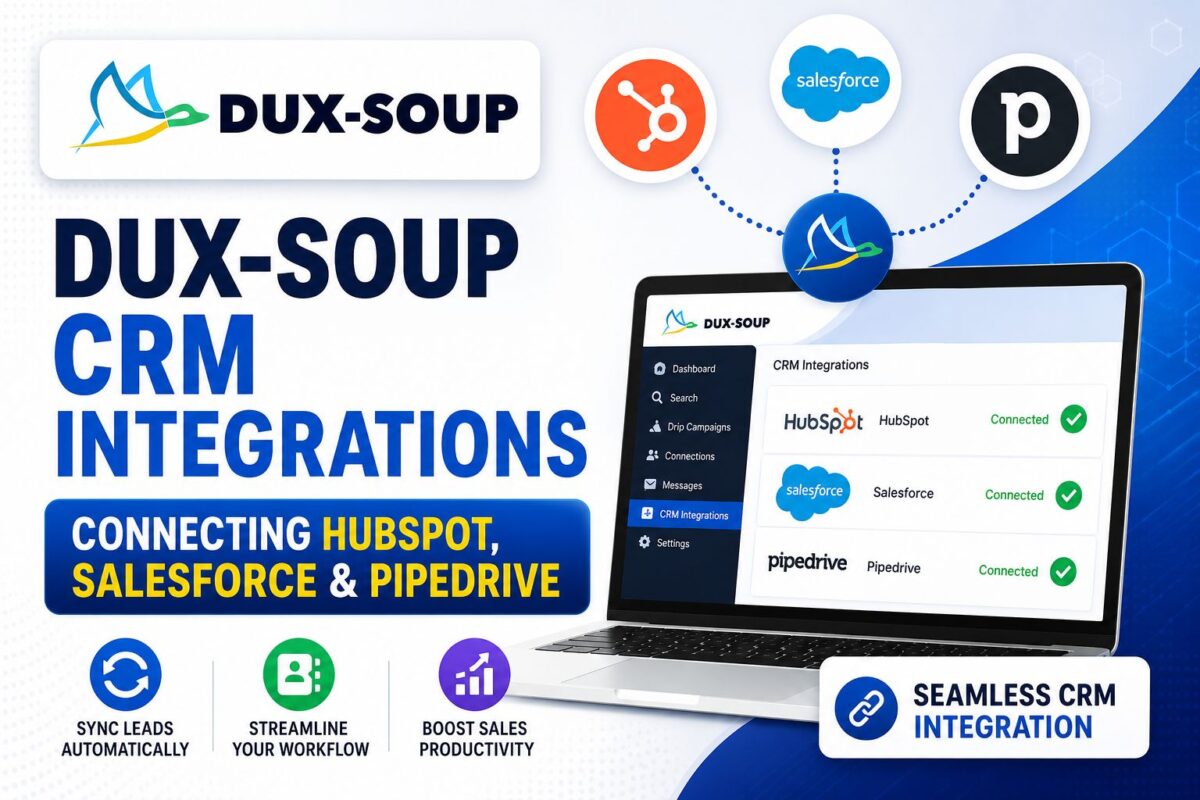
The Dux-Soup CRM integration lineup is the tool's quiet superpower — and the main reason CRM-first sales teams tolerate its 2015 interface.
While competitors twice the price make you build webhook plumbing, Dux-Soup connects HubSpot, Salesforce, and Pipedrive natively: authorize, toggle, done. Leads flow from LinkedIn conversations into your pipeline with their profile data attached, automatically.
Here's the full integration map, the setup steps, and the one known gotcha.
Key Takeaways
- Native integrations: HubSpot, Salesforce, Pipedrive, Freshsales, HighLevel, Lead Gen & CRM — plus Zapier for everything else
- Slack and MS Teams hooks push reply notifications to your channels in real time
- CRM integrations require the Turbo tier (~$55/mo) — they're not on the Pro plan
- Known gotcha: a subset of Pipedrive users report data-sync integrity issues — audit your first 50 synced records
What CRMs Does Dux-Soup Connect To?
| Integration | Type | What Syncs |
|---|---|---|
| HubSpot | Native | Contacts, LinkedIn profile data, campaign source |
| Salesforce | Native | Leads/contacts with configurable import options |
| Pipedrive | Native | Contacts + deal creation |
| Freshsales | Native | Contacts |
| HighLevel | Native | Contacts for agency workflows |
| Lead Gen & CRM (ex-SharpSpring) | Native | Contacts |
| Slack / MS Teams | Notification | Reply alerts to channels |
| Zapier | Middleware | Anything else (2,000+ apps) |
The strategic point: “native” means no third-party middleware fees, no broken Zap at 2 a.m., and profile data (name, title, company, LinkedIn URL) arriving structured instead of pasted.
One team's setup illustrates the payoff — their marketing department watches response rates through the MS Teams integration in real time, which they credit as part of a 65% increase in booked meetings.
Every CRM Integration Is in the Free Trial — Connect YoursHow to Set Up the Integration (Salesforce Example)
The pattern is nearly identical across CRMs; Salesforce shows all the moving parts:
- Upgrade to Turbo (or run the 14-day trial, which includes integrations)
- Open Dux-Dash → Integrations → Salesforce
- Authorize — you'll authenticate directly with Salesforce; Dux-Soup never sees your password
- Back in Dux-Dash, flip the Enable toggle to activate the connection
- Choose your import behavior — Salesforce offers five options for which LinkedIn contacts import and when (e.g., on reply, on connection, manual)
- Send one test lead through a campaign and verify it lands with fields mapped correctly
For HubSpot and Pipedrive, steps 2-4 are the same; import options vary slightly per platform.
Field Mapping Tips That Save Cleanup Later
- Map campaign tags to a CRM property. Dux-Soup's tags travel with the contact — pipe them into a “Lead Source Detail” field so you can attribute revenue per campaign later
- Decide your trigger point deliberately. Importing every contacted prospect floods your CRM with cold records; importing on reply keeps it clean. Most teams want reply-triggered
- Dedupe rules first. If prospects may already exist in your CRM, confirm the integration matches on email/LinkedIn URL instead of creating duplicates
The Pipedrive Gotcha (Read Before Connecting)
Fair warning from the review trenches: while most integration feedback is positive, a subset of Pipedrive users report months of data-integrity issues after connecting — mismatched records and sync inconsistencies that took support cycles to untangle.
The defensive play: after enabling Pipedrive sync, audit your first 50 synced records manually against LinkedIn. If fields land clean, proceed; if you see drift, involve support early — they're responsive — rather than letting bad records compound for a quarter.
What If Your CRM Isn't on the List?
Two routes:
- Zapier — Dux-Soup's Zapier connection reaches Zoho, Close, Copper, Airtable, Google Sheets, and 2,000+ others. You inherit Zapier's task pricing and fragility, but it works
- CSV export — Dux-Soup exports leads with full profile data anytime; a weekly manual import is unglamorous but free
If neither satisfies and CRM automation is your core requirement, tools with different integration philosophies exist — Expandi is webhook-first, Meet Alfred claims 3,000+ connections — mapped in our dux-soup alternatives roundup. Context on how integrations fit the whole product: the full dux-soup review.
One Honest Warning: The Pipedrive Sync
Most integration reviews are glowing, but there's a documented sore spot worth flagging: a subset of long-term users report months of data-integrity issues after connecting Pipedrive — duplicated contacts, mismatched fields, sync lag. Support engages actively on these cases, but if Pipedrive is your system of record, do a two-week verification period before trusting the sync with live pipeline: spot-check 10 synced contacts against LinkedIn weekly, and keep CSV exports as your backstop.
The webhook fallback. If your CRM isn't natively supported — or a native sync misbehaves — Dux-Soup fires webhooks on campaign events (connection accepted, message replied, profile visited). Route them through Zapier or Make into anything with an API. Less elegant than native sync, far more controllable when debugging.
Frequently Asked Questions
Does Dux-Soup integrate with HubSpot?
Yes, natively — no Zapier required. Authorize from Dux-Dash, enable the toggle, and responding LinkedIn leads sync into HubSpot with their profile data and campaign tags attached. Requires the Turbo plan or trial.
Which Dux-Soup plan includes CRM integrations?
Turbo Dux (~$55/month) and above, including Cloud Dux. The Pro plan ($14.99) does not include native CRM sync — a common surprise for buyers who trialed Turbo. Plan details: dux-soup pricing.
Can Dux-Soup send lead notifications to Slack?
Yes. Both Slack and Microsoft Teams integrations push real-time alerts when prospects reply, so sales and marketing can watch campaign responses without living in the Dux-Dash.
Does Dux-Soup work with Zapier?
Yes — the Zapier integration connects Dux-Soup events to 2,000+ apps for any CRM not covered natively. Native integrations remain preferable where available: fewer moving parts, no per-task Zapier costs.
Bottom Line
Authorize, toggle, test one lead, audit your mapping — that's the entire setup, and it's the best integration-per-dollar in the category. If your pipeline lives in HubSpot, Salesforce, or Pipedrive, the dux-soup crm integration alone justifies the Turbo tier.
Connect Dux-Soup to Your CRM in 10 Minutes — Free Trial